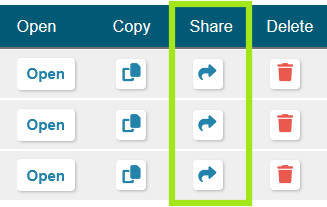
Need to share projects or designs with another rating organization? You can do this via the Share button on the My Projects page.
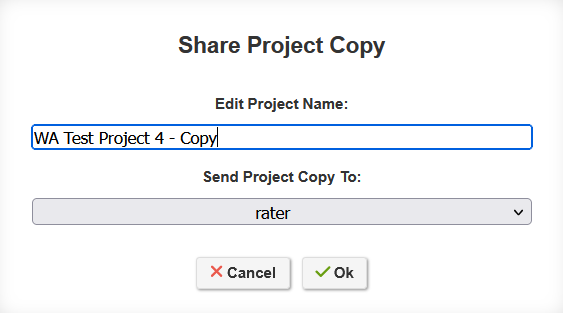
First, reach out to support@ekotrope.com, and let us know which rater and rating org you would like to share with. Then, we can create a link between your accounts. Next, you can hit the Share button, and you will be able to choose among the raters you've established this link with. Pick one, and a copy of the project will be created under their organization.
Note: This copy will share all of the same project and plan details, but it won't share the registration or billing history of the original. Any edits made to the copy won’t carry over to the original, and vice versa.
Was this article helpful?
That’s Great!
Thank you for your feedback
Sorry! We couldn't be helpful
Thank you for your feedback
Feedback sent
We appreciate your effort and will try to fix the article