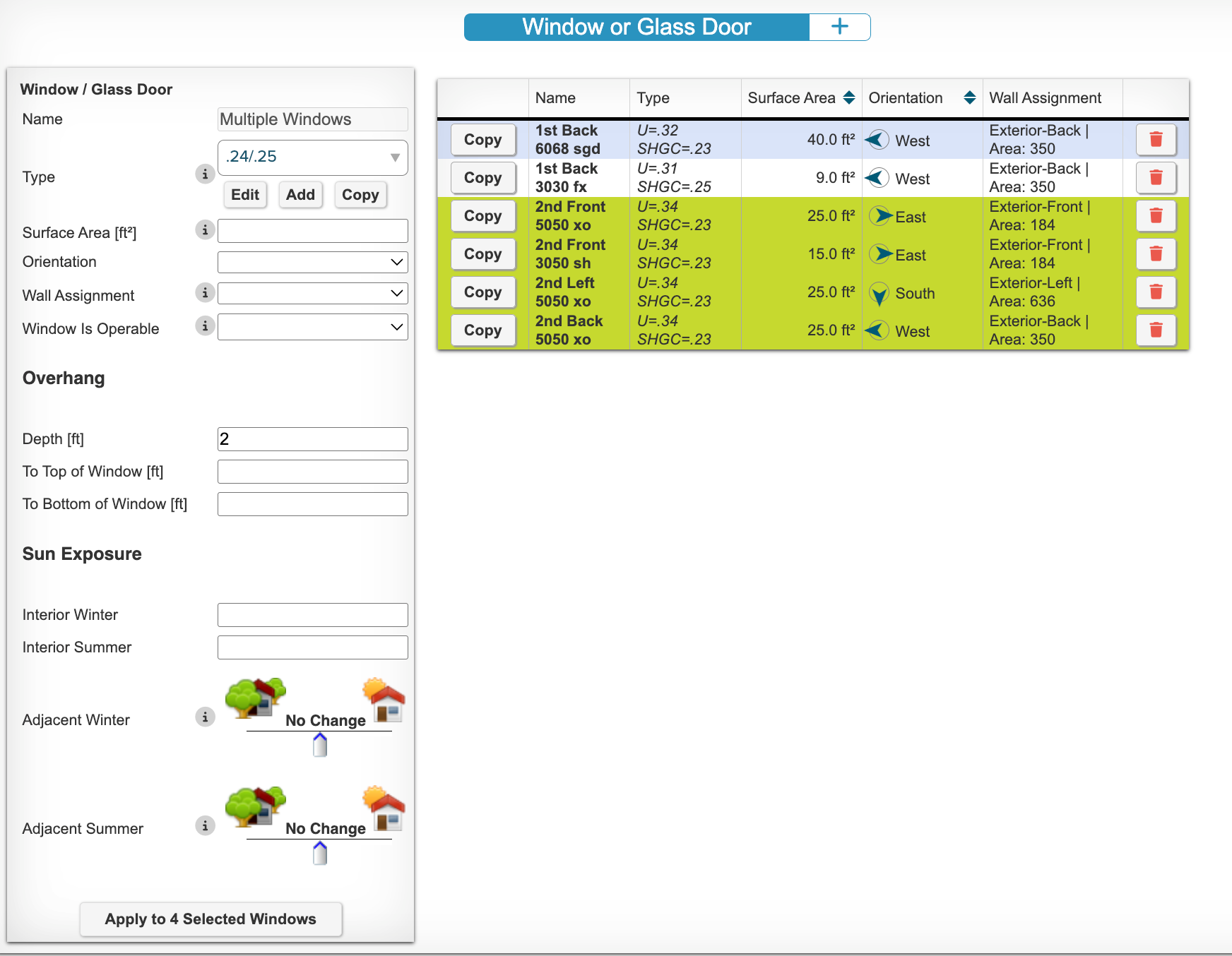
You can batch update a group of windows on the Fenestration tab in Ekotrope. All you need to do is select multiple windows (Shift+Click works). Then select the new value for the windows. Lastly, you must click Apply at the bottom of the Window/Glass Door editor.
Was this article helpful?
That’s Great!
Thank you for your feedback
Sorry! We couldn't be helpful
Thank you for your feedback
Feedback sent
We appreciate your effort and will try to fix the article